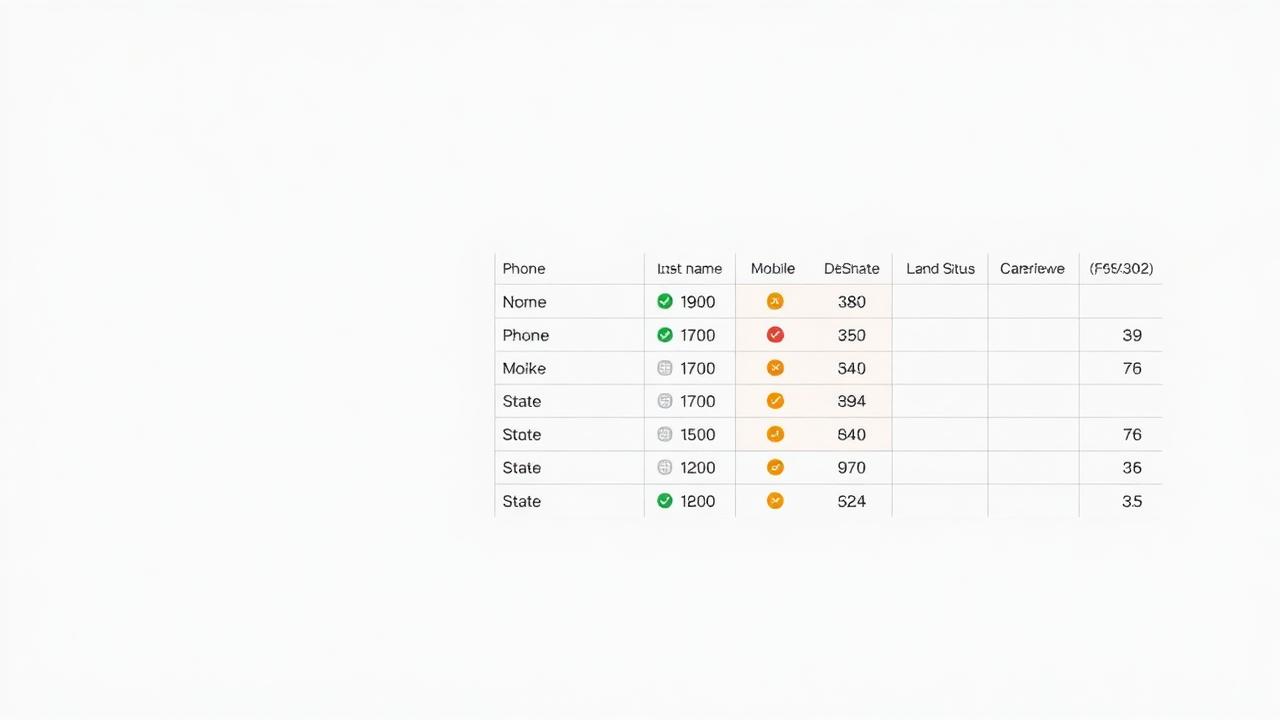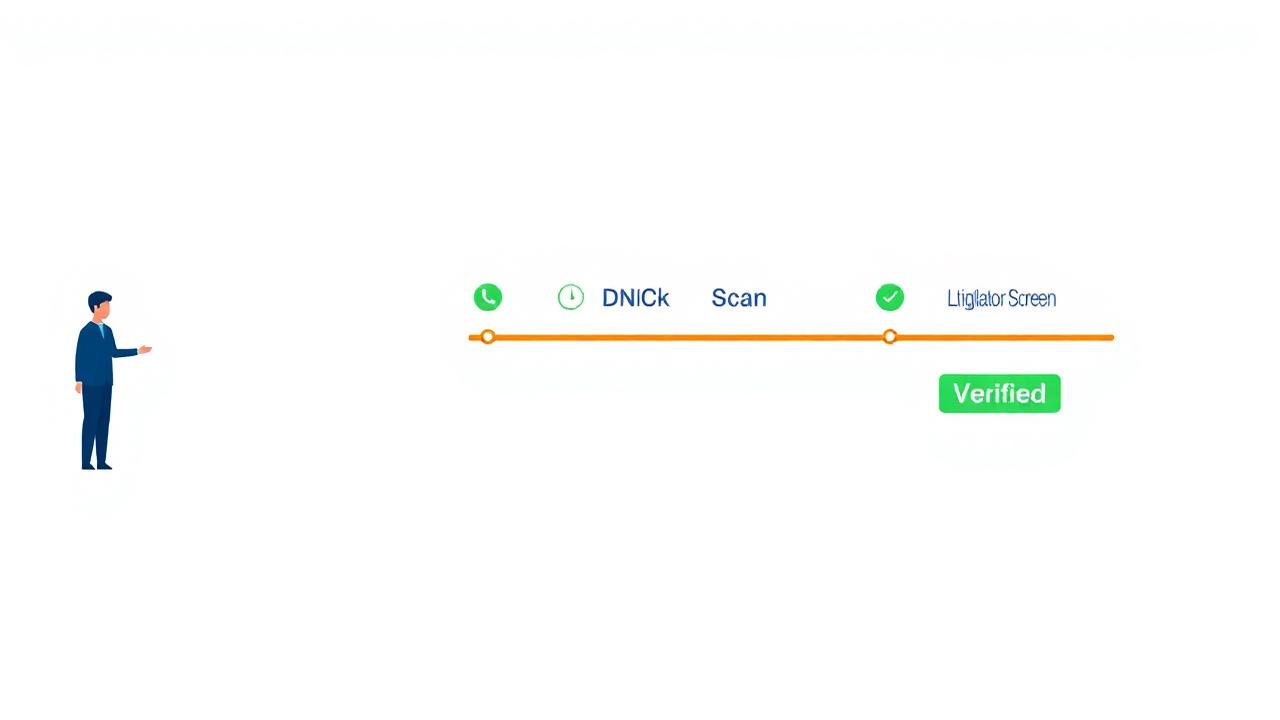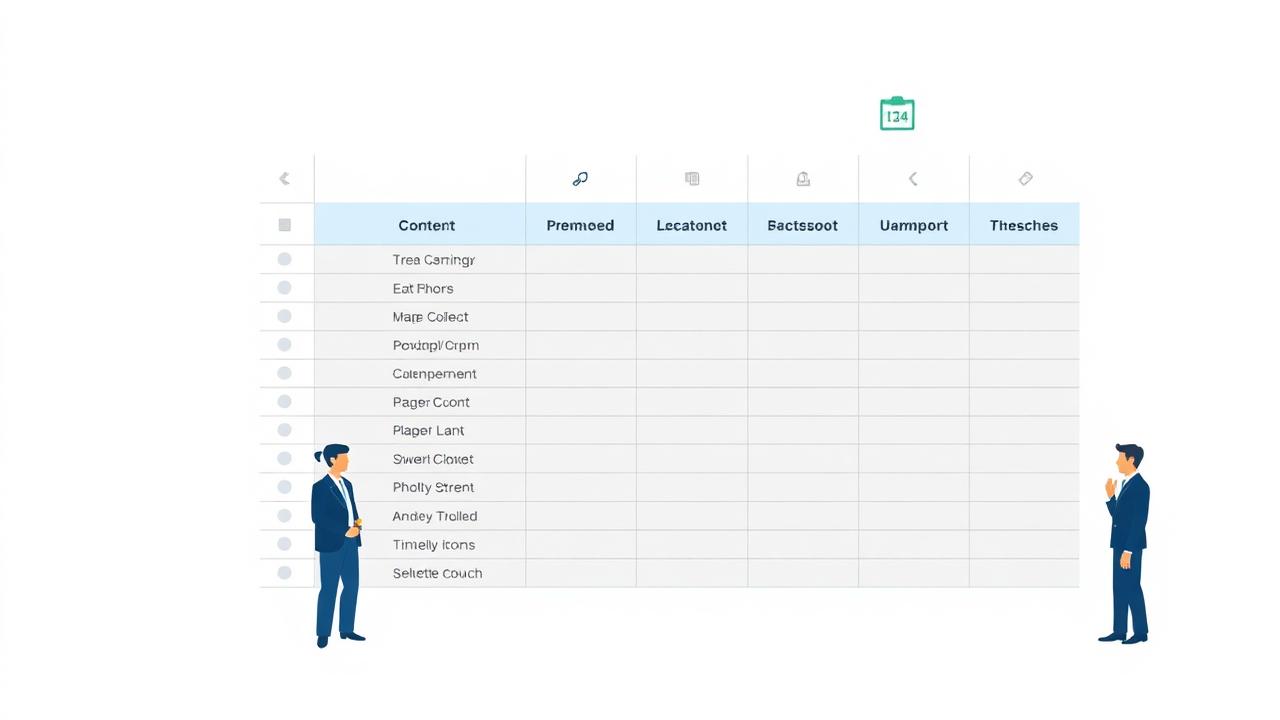
You upload your list, the scrubbing service returns a cleaned CSV, and most agents do the same thing: filter out the obvious bad records, upload what's left to the dialer, and start calling. The columns they don't recognize — PORTED, RND_FLAG, CNAM, LITIGATOR — stay unread, and with them goes information that would have changed how they worked nearly every record on the list.
The Standard Columns Most Agents Actually Use
PHONE — The Number
Should be in 10-digit or E.164 format. If it has special characters, most dialers will strip them automatically — but check your platform's import requirements first.
LINE_TYPE — Mobile / Landline / VoIP
This column determines your TCPA obligations and your expected contact rate. Mobile: consent required for ATDS, SMS follow-up available, highest contact rate. Landline: no ATDS consent required, no SMS, lower contact rate. VoIP: treat as mobile for TCPA purposes.
ACTIVE — Yes / No
The binary. Yes: number is currently reachable. No: disconnected, suspended, or unreachable. Any ACTIVE: No record should be moved to a separate sheet. Don't delete them — archive for re-verification in 30 days.
DNC_FEDERAL — Yes / No
Whether the number appears on the National Do Not Call Registry. The verification date matters — if the report is older than 31 days, this column's data is expired for compliance purposes.
DNC_STATE — Yes / State Code(s)
Whether the number appears on any state-specific DNC list. Know which states you're calling and filter accordingly.
The Columns Most Agents Never Open — and Should
LITIGATOR — Yes / No
Whether this number is associated with a known TCPA plaintiff, a serial complainant, or a trap number. LITIGATOR: Yes = remove immediately, archive, never dial. One successful TCPA action from a known litigator can cost $1,500 per call for every call in the campaign series.
PORTED — Yes / No / Date
Whether the number has been ported between carriers. PORTED: Yes is actually a good sign — it means the number is actively attached to a real subscriber who cared enough about it to take it with them when they switched carriers.
RND_FLAG — Clean / Flagged / Reassigned
The FCC's Reassigned Numbers Database check result. Clean: no recent reassignment. Flagged: recent disconnection event. Reassigned: confirmed new subscriber since the consent date on file. For any RND_FLAG: Reassigned record, treat any existing consent documentation as invalid.
CNAM — Caller Name / Listing
The name associated with the number in the national CNAM database. For B2C insurance leads, CNAM helps verify that the name in your lead record matches the actual listing — a mismatch can indicate a stale or inaccurate record.
VERIFY_DATE — Timestamp of Last Check
The most underappreciated column in the whole report. Every other column's reliability depends on this timestamp. Anything over 60 days should be re-run before a new campaign.
How to Sort Your Report Before Upload
- Remove all ACTIVE: No records. Archive separately.
- Remove all LITIGATOR: Yes records. Archive permanently. Never dial.
- Remove all DNC_FEDERAL: Yes and applicable DNC_STATE: Yes records.
- Flag all RND_FLAG: Reassigned records for manual-dial only — no ATDS.
- Sort remaining records by LINE_TYPE — work Mobile segment in your ATDS with consent confirmed; work Landline segment separately.
- Check VERIFY_DATE — if older than 60 days, re-verify before uploading.
Upload any list to skynet.com/scan-my-list and every record gets all of these columns appended automatically. First 100 records free.
References
- Federal Communications Commission. (2021). Reassigned Numbers Database. FCC 21-32.
- Federal Trade Commission. (2023). TSR 16 C.F.R. § 310.4(b)(3)(iv). 31-day DNC data freshness standard.