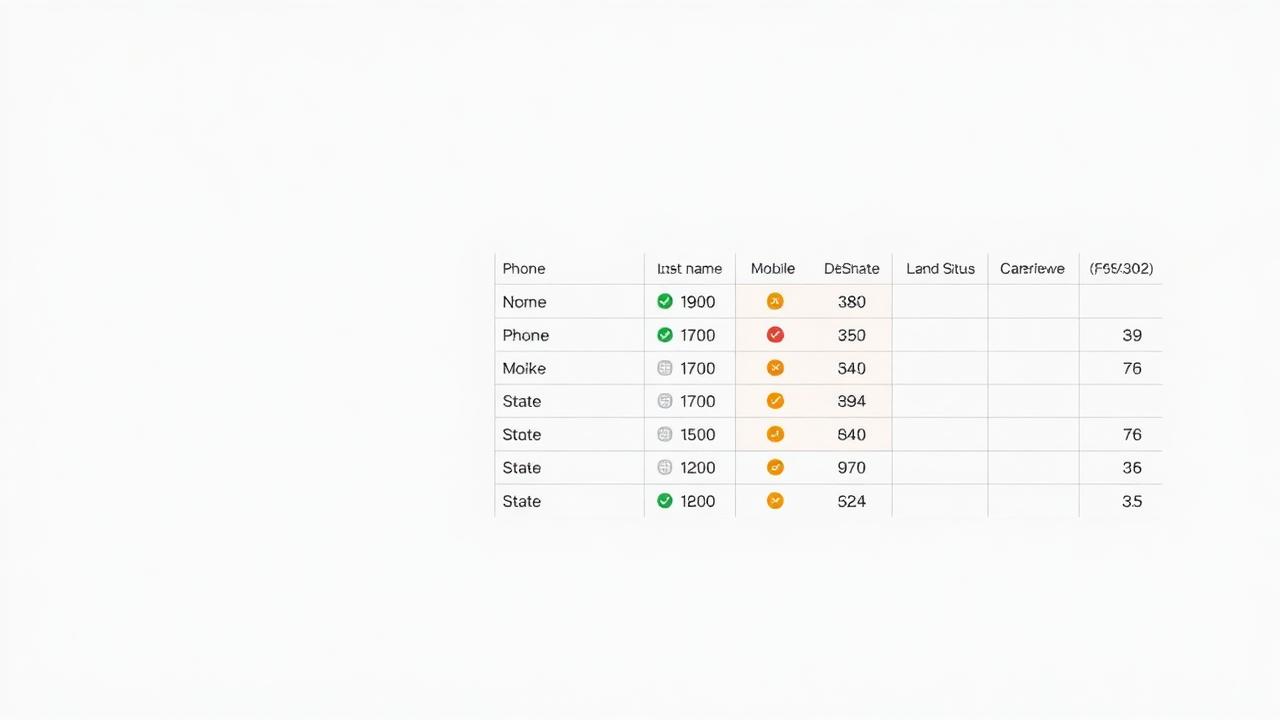
Most agents open a lead CSV and look at two columns: name and phone number. Then they upload it and start dialing. Everything else in the file — line type, DNC status, verification date, carrier, porting flag — goes unread. That's like buying a used car and only checking whether the engine starts. You're ignoring the information that tells you whether the thing is going to work for the next six months or fall apart on day three.
Here's a field-by-field breakdown of what a properly structured lead record looks like, what each piece of data means, and what you should do with it before the first dial.
The 12 Fields Every Lead Record Should Contain
1. First Name / Last Name
Basic, but check the format. Names in ALL CAPS indicate raw database export — the data has never been cleaned for use. Mixed case (Smith, John) is what you want. If your dialer or CRM auto-populates the agent's opening line with the name, ALL CAPS produces a jarring read.
2. Phone Number
Should be in a standardized format — either 10-digit (8135550142) or E.164 (+18135550142). Numbers with dashes, spaces, or parentheses need reformatting before upload to most dialers. Any number with fewer than 10 digits or a non-NANP area code is invalid and should be removed.
3. Line Type
The most important field after the phone number itself. Values: Mobile, Landline, VoIP. This determines your TCPA obligations (mobile requires prior express written consent for ATDS).
4. Carrier
The current carrier assignment (Verizon, AT&T, T-Mobile, etc.) tells you whether a number porting event has occurred and confirms the line type. Numbers on major national carriers are generally more reliable — VoIP-heavy carriers (Google Voice, Twilio-associated numbers, MagicJack) often indicate business lines, burner phones, or numbers less likely to be answered.
5. Active Status
The binary check: is this number currently reachable on the network? Active: Yes means the number passed a real-time connectivity check. Active: No means it's disconnected, suspended, or inactive. Any record with Active: No should be removed from your dialable list — period.
6. DNC Status — Federal
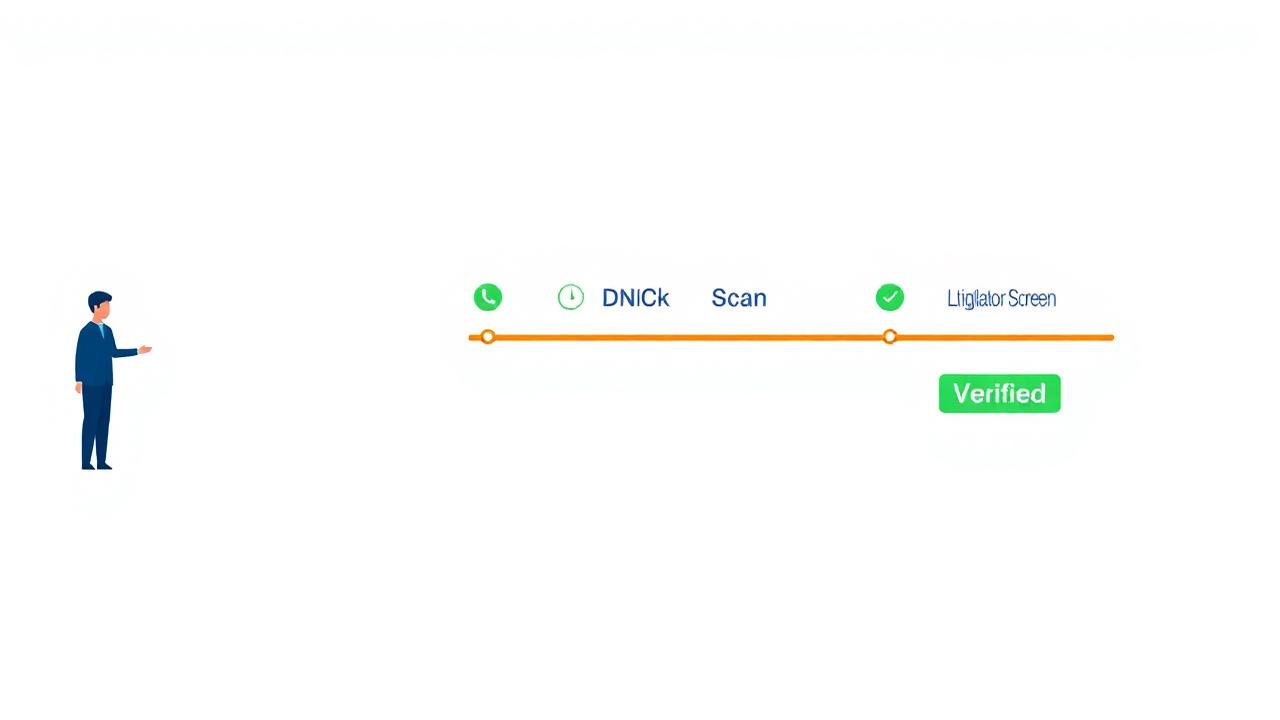
Whether this number appears on the National Do Not Call Registry. DNC: Yes = do not call for telemarketing purposes. This field must be timestamped — a DNC: No from 6 weeks ago may be outdated. The 31-day rule requires your DNC data to be no older than 31 days at the time of any call.
7. DNC Status — State
Seventeen-plus states maintain their own DNC lists independent of the federal registry. A number can be clean on the federal registry and still be registered on Florida's or Indiana's state list.
8. TCPA Litigator Flag
This is the field that separates serious lead providers from casual list sellers. Known TCPA litigators — individuals who systematically register phone numbers and document incoming calls to file TCPA lawsuits — maintain a consistent presence in purchased lead lists. Never dial a flagged litigator number, regardless of any other field's status.
9. Verification Date
The date the number was last verified through a carrier lookup and active status check. This is your freshness timestamp — the single most important factor in predicting whether the data is still accurate. A verification date older than 60 days should trigger re-verification before any campaign runs.
10. State / Zip Code
Determines which state's calling laws apply to every dial, which local DNC registries are relevant, and what time zone restrictions govern your calling hours. Your dialer needs the called party's state, not the agent's state, to enforce time-zone restrictions correctly.
11. Age / Date of Birth
For insurance verticals, this is a segmentation field. A 64-year-old is in the T65 Medicare window. A 52-year-old is a final expense prospect. A 35-year-old is a term life candidate. Running your dialer against a mixed-age list without segmenting by product line means your agents are pitching the wrong product to the wrong people on every third call.
12. Source / Lead Capture Date
Where did this person originally express interest, and when? A consumer who responded to a Medicare supplement ad 8 months ago and a consumer who responded to one 8 days ago require completely different opening approaches.
What Your Current List Is Probably Missing
Run any CSV through skynet.com/scan-my-list and the output adds fields 3–9 to your existing data. You keep your original records, we add the verification layer. First 100 records free, no credit card.
What to Do Before You Dial: A 3-Minute CSV Audit
- Sort by Active Status. Move all Active: No records to a separate tab. Do not dial them.
- Filter by Line Type. Separate mobile from landline. Apply TCPA consent check to mobile segment before loading into ATDS.
- Filter by DNC Status. Remove all DNC: Yes (Federal) and any state-flagged records applicable to your target states.
- Flag Litigators. Remove or archive any Litigator: Yes records. Do not dial — ever.
- Check Verification Date. Any record verified more than 60 days ago: re-verify before the campaign runs.
References
- Klein Moynihan Turco LLP. (2023). TCPA Litigator Lists: What They Are and Why They Matter.
- Federal Trade Commission. (2023). Telemarketing Sales Rule, 16 C.F.R. § 310.4(b)(3)(iv). 31-day DNC data freshness requirement.