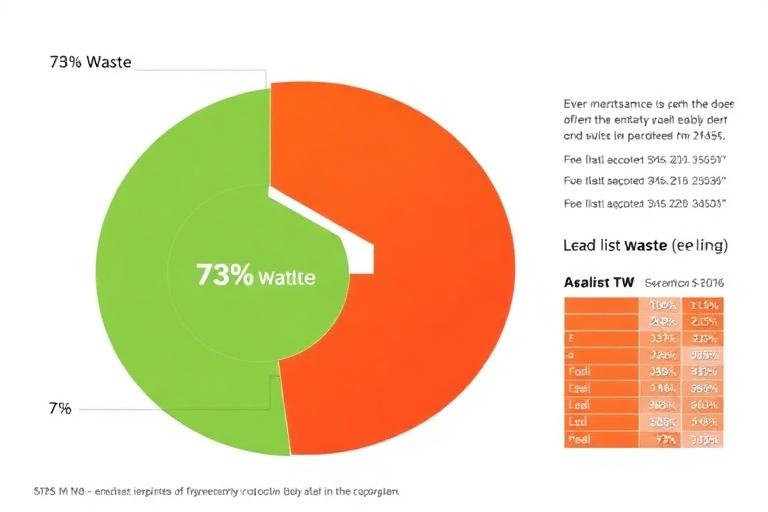
The first thing agents blame is timing. "We need to call earlier." Then they blame the script. Then the dialer settings. Then the carrier. Eventually someone suggests A/B testing the opening line. Months go by, contact rate stays at 11%, and nobody has looked at the actual source of the problem: the list has a 40% dead-number rate and a 7% DNC registration rate, and nobody checked before the campaign launched.
If your contact rate is consistently below 25% on any insurance lead campaign, the list is almost certainly the primary cause. This post will show you how to prove it.
What a Normal Contact Rate Actually Looks Like
- Cold purchased list, unverified: 10–20% contact rate
- Purchased list, recently scrubbed and verified: 35–55% contact rate
- Warm list (prior opt-in, recent): 50–70% contact rate
- Inbound referral or aged exclusive: 60–80% contact rate
If you're dialing a purchased list and hitting below 20%, you have a data quality problem. If you're hitting below 10%, the list may be largely unusable as-is.
The Four Data Problems That Kill Contact Rate
Problem 1: Disconnected Numbers — The Invisible Time Sink
A disconnected number costs your agent the same amount of time as a productive dial. On a dialer with no active status filtering, 20–30% of dials on an aged list can be dead numbers. The fix: Run active status verification before any campaign. Remove Active: No records. This single step typically improves contact rate by 8–15 percentage points on lists older than 6 months.
Problem 2: Landline-Heavy Lists in a Mobile-First Market
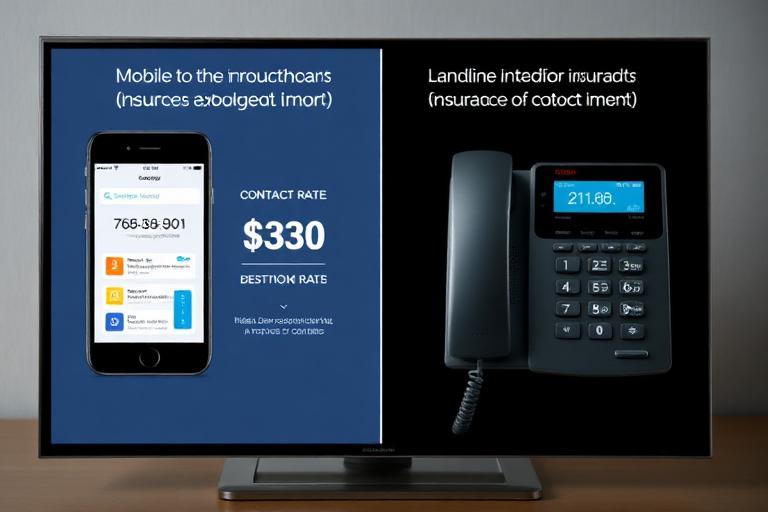
If 57.8% of American adults are wireless-only,[1] and your list is 65% landlines, you're dialing a demographic profile that doesn't match your buyers. Even for Medicare and final expense (older demographics), the wireless-only rate among adults 65–74 now exceeds 40%.
The fix: Run a line type check on your list and filter for mobile-heavy segments.
Problem 3: Burned Leads — The Problem That Doesn't Show Up in Verification
Active status verification can't tell you that a prospect has been called by 6 other insurance agents this week. The tell: your contact rate is decent (30–40%) but your conversion rate from contact to appointment is well below 10%. That's a burned list, not a bad script. The fix is freshness and exclusivity.
Problem 4: Wrong Demographics for Your Product
A Medicare Advantage agent dialing a list where 30% of records are under 50 isn't just wasting those dials — those conversations actively discourage the agent. The fix: Filter before you dial. If your list has age data, remove records outside your target band. If it doesn't have age data, that's a list quality problem.
The Diagnosis Protocol: Find Your Real Contact Rate
- Step 1 — Segment by line type. What was the contact rate on mobile-only records vs. landline records? If the gap is more than 20 percentage points, line type is a major factor.
- Step 2 — Segment by data age. Compare contact rate on records under 90 days vs. over 90 days. If older records significantly underperform, freshness is your problem.
- Step 3 — Count your dead dials. How many dials returned no signal at all? If it's above 10%, you need pre-campaign active status verification.
- Step 4 — Check conversion rate alongside contact rate. If contact rate is acceptable but conversion is below 8% per contact, the issue isn't reaching people — it's reaching the wrong people.
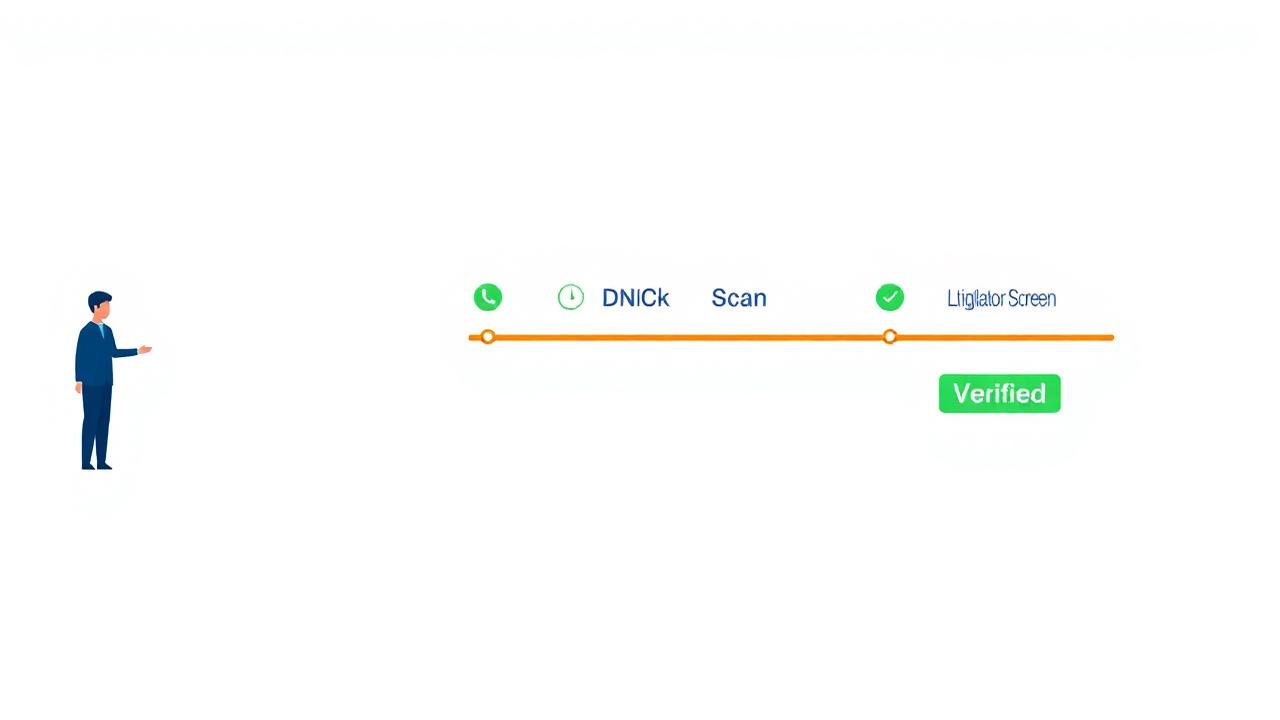
Upload your current list to skynet.com/scan-my-list. The report shows you exactly what percentage of your records are active, mobile, DNC-flagged, and litigator-associated. First 100 records free.
References
- National Center for Health Statistics. (2024). Wireless Substitution: Early Release of Estimates from NHIS.
- LIMRA. (2023). Insurance sales lead conversion benchmarks.